DSC for EPFO Employer Portal

Class 3 signing DSC for EPFO ECR filing, establishment registration and employee KYC. Price, documents and how the portal registration works.

Class 3 signing costs ₹1,040 for 1 year, ₹1,200 for 2 years or ₹1,820 for 3 years. The USB e-token is ₹550 more if you do not have one.

Answer

Employers filing ECR on the EPFO Unified Portal register a Class 3 signing DSC, either in the name of the company or firm, or in the name of a proprietor who files alone. The certificate is registered on the portal under the Establishment tab once it is on your token. We fill and submit the application for you; you do the Aadhaar OTP and video KYC with the Certifying Authority, which issues the certificate. Application support is included in the price.

The certificate behind tax and company filings

What a Class 3 signing certificate is, which portals ask for one, and how long it stays valid.
The certificate behind tax and company filings

Who needs this

  • Employers filing ECR on the Unified Portal
  • Companies, firms and LLPs registering an establishment
  • Proprietors filing ECR on their own PAN
  • Staff approving employee KYC on the portal

Documents required

  • PAN card, name as per income tax records
  • Aadhaar card, linked to that PAN and to the mobile. Photo and ID are captured live in the CA's video KYC.
  • Email ID and mobile number for the DSC record
  • For a company or firm: the authorisation letter and the registration documents of the entity

Process

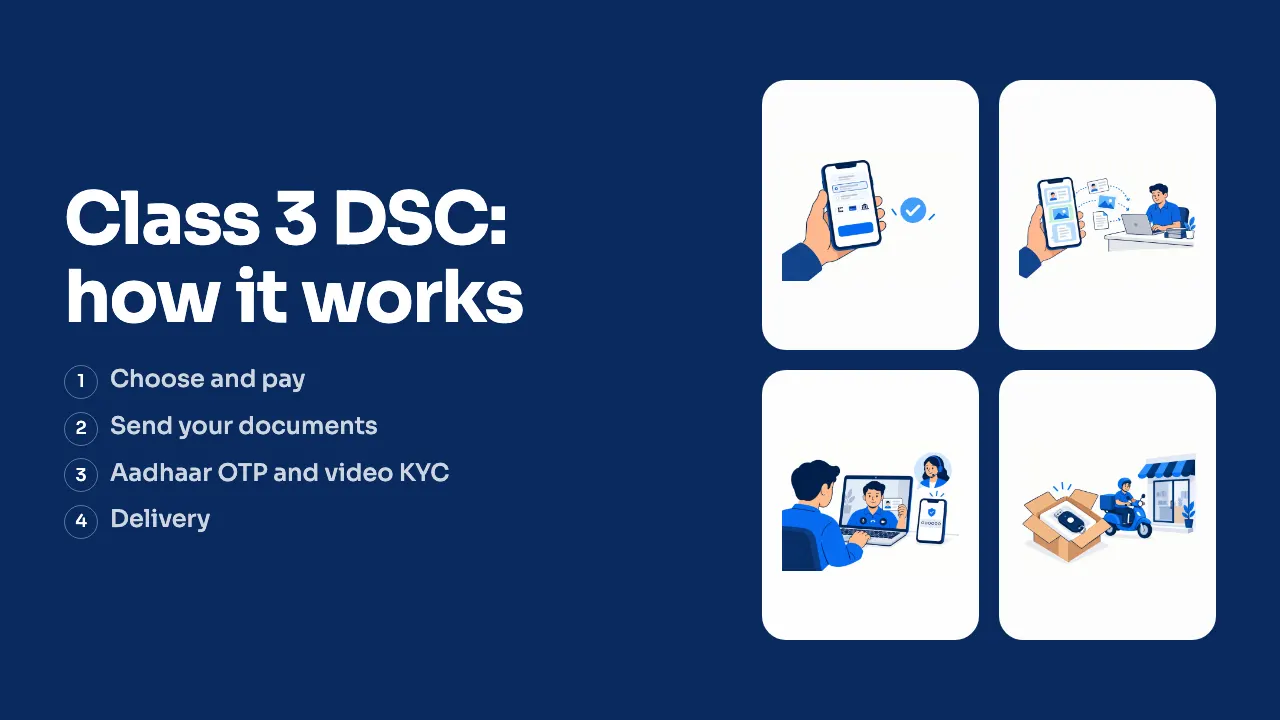
  1. Send us your documents

    Send your contact details and documents on WhatsApp, by email or at our Udaipur office, and we fill the application.

  2. Complete payment

    Pay for the DSC and any add-ons

  3. We submit, you do the KYC

    We file the application with the Certifying Authority. You then confirm your mobile and email with OTPs, do the Aadhaar OTP and video KYC with them, and a final eKYC OTP on your phone approves the application. We assist you at every step.

  4. Receive token and register on EPFO

    Get the USB token by courier (or use your own FIPS 140-3 token), then log in to the Unified Portal, open the Establishment tab, choose DSC or e-Sign, register the certificate from the token and enter the PIN.

Price

Class 3 signing

Individuals, directors, CAs

Tax and company filings, EPFO, tenders and GeM, trademark and reissue.

₹1,200/ 2 years

Common questions

Look through the answers below. If yours is not there, message us and we will help you choose.

Still have a question? Chat on WhatsApp

Is a DSC needed for EPFO ECR filing?
Employers on the Unified Portal register a DSC or an e-Sign for ECR work. Many employers use a DSC, because it works on other government portals as well.
Can I use the same DSC for EPFO and ESIC?
Yes. The same Class 3 signing DSC works on both portals, and it is registered on each one separately.
What is the difference between DSC and e-Sign on EPFO?
A DSC is a certificate on a USB token that signs with your organisation or individual identity. An e-Sign is signed on the portal with an OTP and does not need a token. A DSC is the one that also works on GST, MCA and the tender portals.
Can a proprietor use an individual DSC for EPFO?
Yes. A proprietor filing ECR on their own PAN can use an individual Class 3 signing DSC in their own name. Companies, firms and LLPs use an organisation DSC in the entity's name.
How do I register my DSC on the EPFO portal?
Log in to the Unified Portal, open the Establishment tab, choose DSC or e-Sign, then Register DSC. Pick the certificate from the plugged-in token and enter the PIN.
What if my DSC expires during the year?
ECR filings stop working until the certificate is back. Get the reissue before the expiry date and register the new certificate on the portal the same way.
Is a new token needed every time?
Only if it is FIPS 140-3. Since 21 September 2026 new certificates cannot go on older FIPS 140-2 tokens, so any token bought before then will not work. A new token is an add-on at checkout.

Blog posts on this

Ready to get your DSC?

Pick a certificate, choose validity, add a token if needed. Application support included.