USB e-token
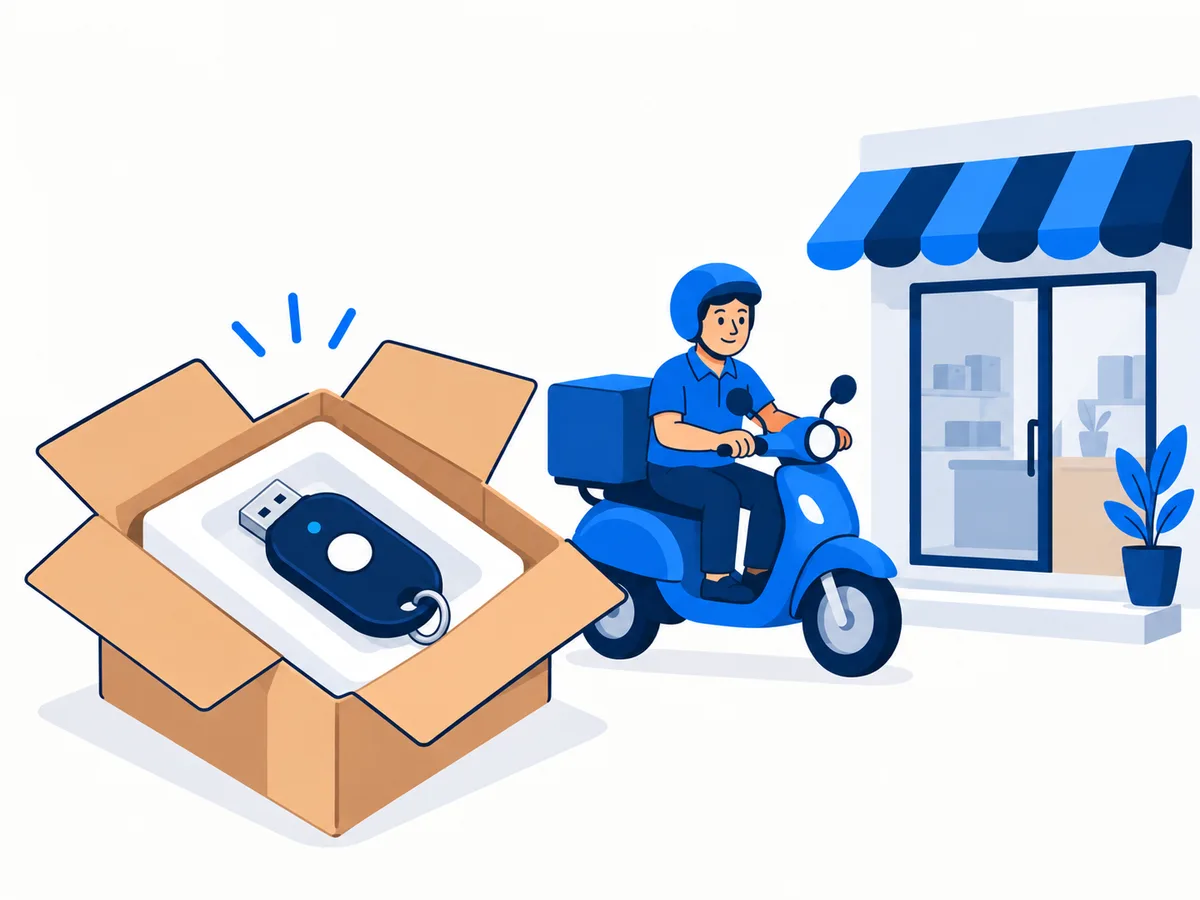
A new certificate is downloaded to a USB e-token, so you add one when you order a certificate. If your token was bought on or after 21 September 2026, you do not need to buy another.
A USB e-token is ₹550 on its own, and it is added to any certificate you buy from us.
 Watch how it worksShort video, plays on this page
What the token is for
The certificate and its private key are stored on the token, not on your computer. You plug it in whenever you sign a return, a form or a tender, and the software asks for the PIN. That is why the certificate cannot be shared or copied to someone else.
If you already have a token
Since 21 September 2026, new certificates and renewals can only go on FIPS 140-3 tokens, and any token bought before then will not work. A certificate already on an old token keeps working until it expires. If your token is FIPS 140-3, choose "I have a FIPS 140-3 token" on the certificate page and the token charge drops out. Unsure? Send us the make and model on WhatsApp first.
How the token reaches you
The token travels with your certificate: within 1 to 2 hours in Udaipur once it is issued, the same day or the next day in nearby towns, and within 72 hours by Speed Post across India.
Tokens we supply
All three plug into a USB port, and we download your certificate onto whichever one you get.
 ProxKey
 HYP2003 (formerly ePass2003)
 mToken
What you will need to do after paying
- Mobile and email OTPs. The Certifying Authority sends OTPs to your mobile number and email address, and you confirm both.
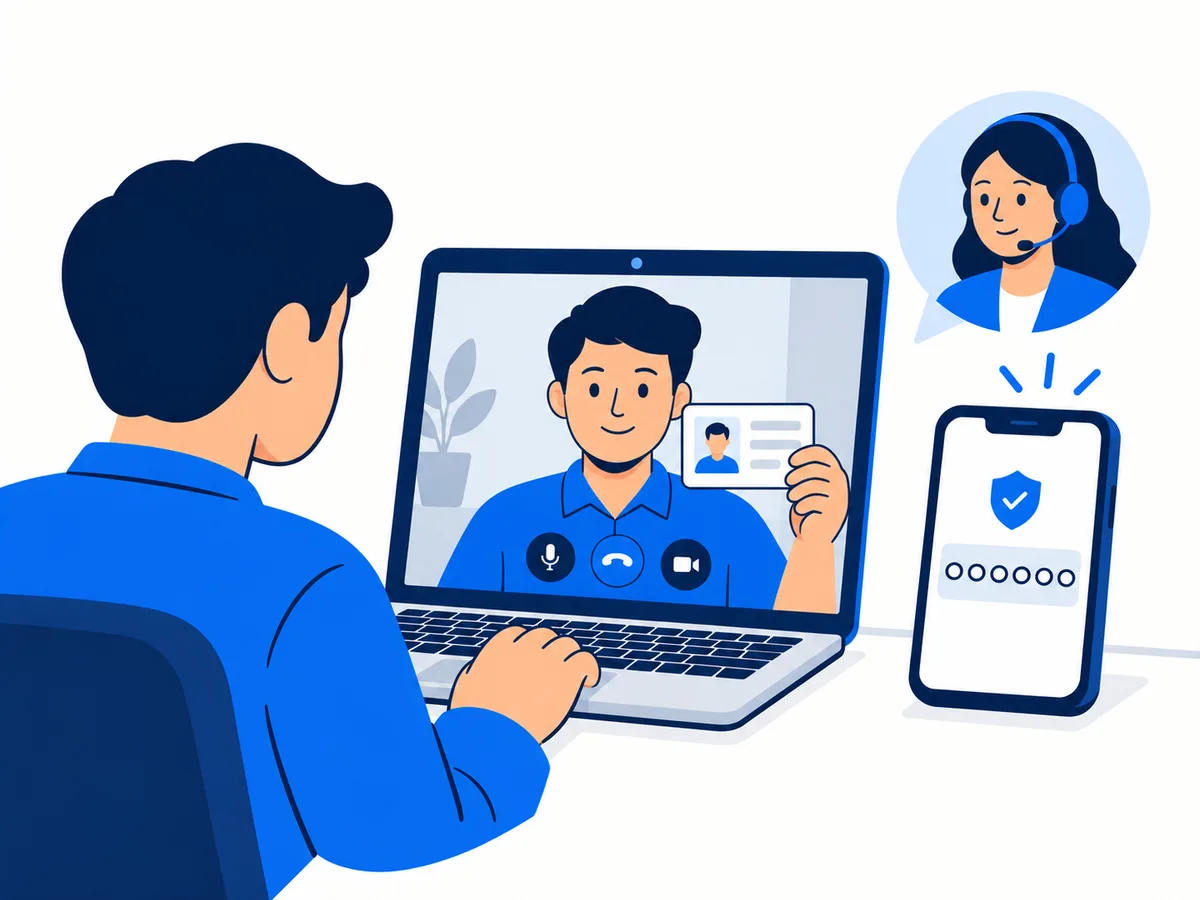
- Aadhaar OTP and video KYC. The Aadhaar OTP goes to the mobile linked to your Aadhaar, then you do the video KYC with the Certifying Authority. On the Aadhaar method you show no documents. On the PAN method you hold up your original PAN card.
- eKYC OTP. A final OTP on your phone confirms and approves the application.
Keep ready
- Your phone, with the mobile number linked to your Aadhaar
- Access to your email
- PAN method only: your original PAN card for the video KYC
- A quiet, well-lit place for the video KYC
We assist you at every step.
Our clients include












Where your certificate lives
The certificate and its private key sit on the USB token. Keep the token and its PIN somewhere safe.
How it works
Choose, send, verify, receive. We fill the application, you do the KYC with our help at every step.
You
Step 1: Choose and pay
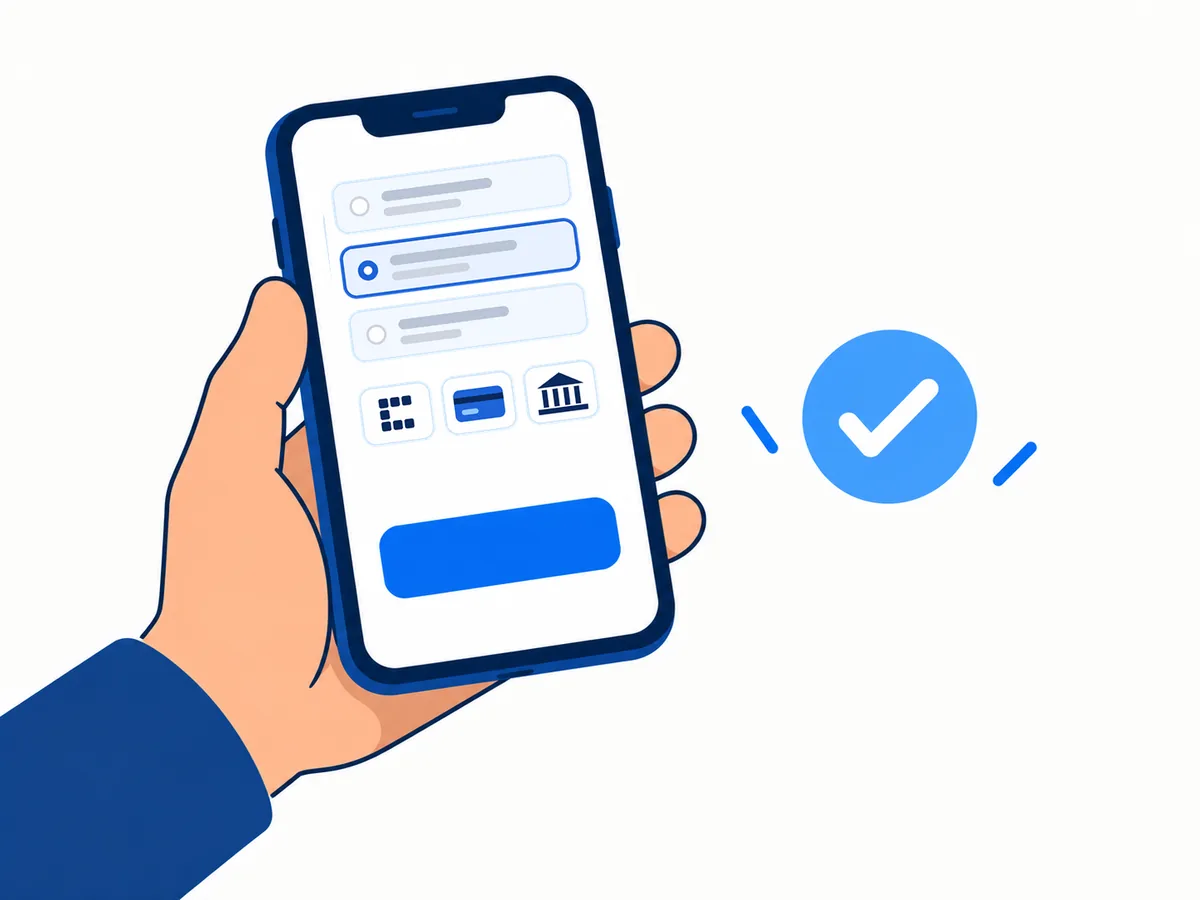
Pick your certificate, validity and token. Pay securely by UPI, card or net banking.
You sendWe fill
Step 2: Send your documents
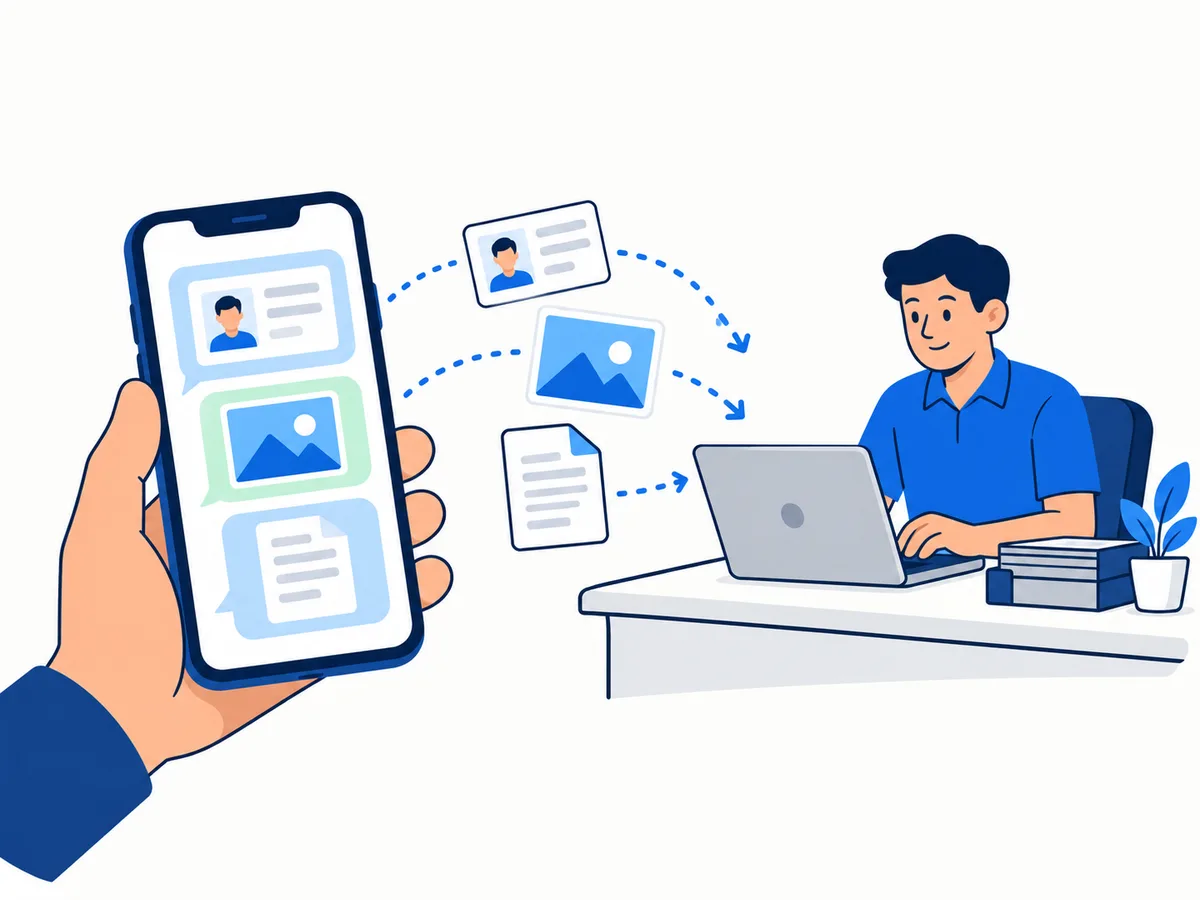
We contact you after the order. Send the documents on WhatsApp, by email or at our Udaipur office, and we fill and submit the application for you.
YouWe help at every step
Step 3: OTPs and video KYC
You confirm your mobile number and email address with OTPs from the Certifying Authority, then do the Aadhaar OTP and video KYC with them, and a final eKYC OTP on your phone approves the application. We help you through all of it.
We deliver
Step 4: Delivery
Within 1 to 2 hours in Udaipur. Same or next day nearby. 72 hours by Speed Post India.
Common questions
Look through the answers below. If yours is not there, message us and we will help you choose.
Still have a question? Chat on WhatsApp
Do I need a token?
What does the token cost?
Can I use a token I bought somewhere else?
What happens if I lose it?
Get in touch
Message us on WhatsApp for help choosing a certificate or with your application.